
Introduction
Your Ring Doorbell is designed to be your eyes and ears when you’re unable to answer the door yourself. But what happens when the doorbell stops ringing inside your house? Such an issue can lead to missed visitors and crucial messages. We’ll help you understand why your Ring Doorbell might not be notifying you indoors by diving into common problems and how to resolve them.
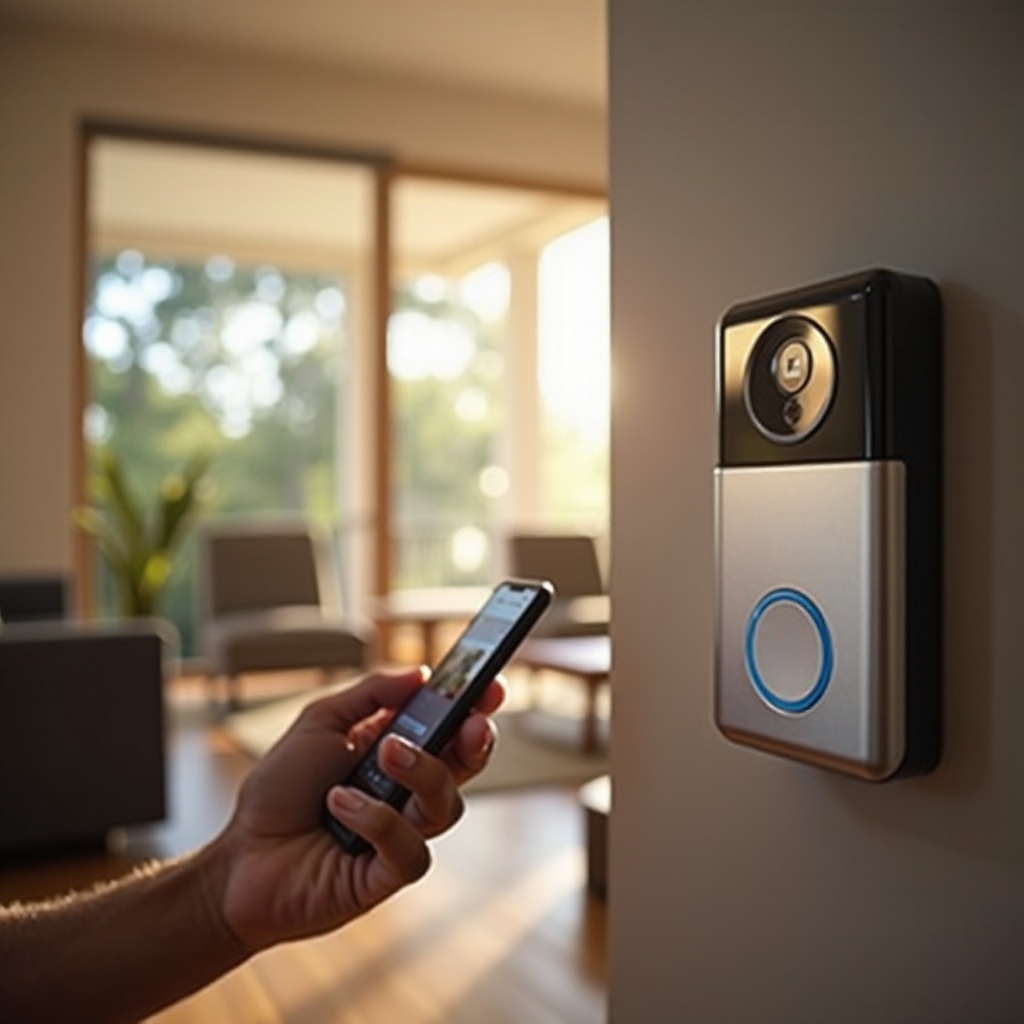
Common Reasons Your Ring Doorbell Isn’t Ringing Indoors
Several problems might prevent your Ring Doorbell from ringing inside your home. Recognizing these issues is the first step towards restoring its functionality, which keeps you aware of anyone at your door.
-
Wi-Fi Connectivity Issues: A weak or interrupted Wi-Fi signal can disrupt communication between your doorbell and its chime component inside.
-
Power Supply Problems: Your doorbell may not have sufficient power if there are issues with wiring, or if the battery is drained.
-
Incorrect App Settings: The Ring App allows you to manage notification preferences, which if configured wrong, might stop alerts.
Exploring each of these issues will help ensure that your doorbell system works correctly throughout your home.
Troubleshooting Basics for Your Ring Doorbell
Addressing these basic troubleshooting steps can potentially rectify the chime issue without much complexity. Let’s take a look at what you can do.
-
Checking Wi-Fi and Network Settings: Ensure your Ring Doorbell is linked to a stable Wi-Fi network by testing your connection close to the doorbell’s location. Aim for a strong signal.
-
Verifying Power Supply and Connections: If the doorbell is wired, check for any damage or loose wiring connections. Make sure batteries are charged fully for battery-operated units.
-
Reviewing App Notification Settings: Inspect your settings in the app for any disabled notifications. Check especially for motion alerts and ensure your internal chime option is active.
These troubleshooting basics serve as a foundational step before moving on to more advanced analysis.
Advanced Troubleshooting Steps
If your Ring Doorbell problem persists despite performing the basic checks, consider exploring these advanced troubleshooting steps.
-
Inspecting Chime Kit Compatibility: Not every chime is compatible with all Ring Doorbell models. Verify your chime’s compatibility using Ring’s official resources.
-
Updating Firmware and Software: Software bugs can cause your device to malfunction. Ensure you have the latest firmware and app versions installed. Regular updates can preemptively address such issues.
-
Resetting the Ring Doorbell Device: As a final measure, reset the doorbell to its factory settings. Press and hold the setup button for roughly 15 seconds, which should initiate the reset process. Reconfigure following the app’s guidance.
Performing these steps may require a bit of technical know-how, ensuring deeper issues don’t cause disrupted service.
Maintaining Optimal Performance for Your Ring Doorbell
Regular checks and maintenance can dramatically reduce future issues and prolong the doorbell’s lifespan, ensuring that it consistently alerts you when visitors arrive.
-
Regular Software Updates: Frequent updates of your app can help ensure your device operates with the latest improvements and security patches.
-
Routine Device Maintenance: Clean the device regularly to ensure the lens and sensors are free of dirt and debris, which can obstruct functions.
-
Best Practices for Connectivity: Position your Wi-Fi router centrally within your home, or use a Wi-Fi extender to ensure robust signal strength at your doorbell’s location.
These proactive maintenance strategies can considerably enhance your device’s efficiency and reliability.
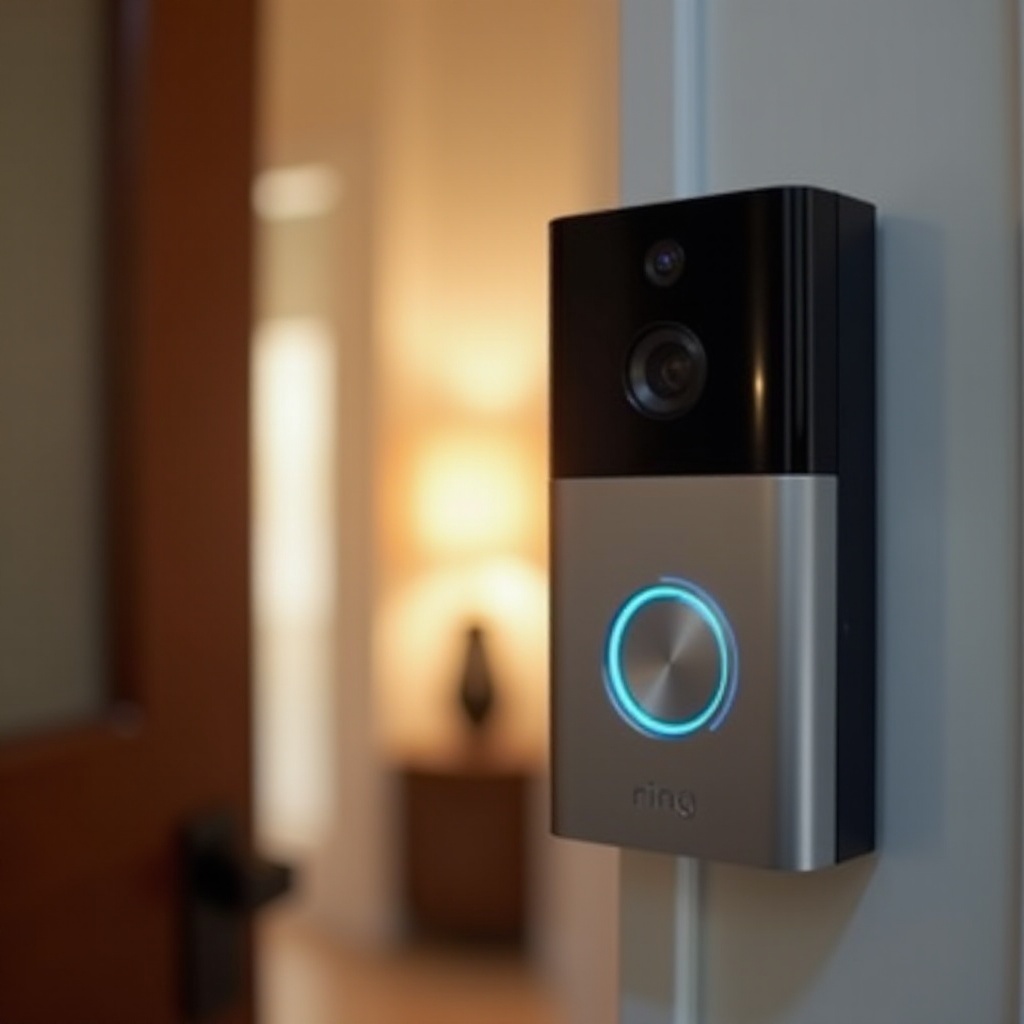
When to Contact Professional Support
Despite your best efforts to troubleshoot or maintain your device, some issues may necessitate professional help. Contact the Ring support team if your doorbell remains unresponsive. They offer extensive resources and can guide you through additional troubleshooting steps or arrange for professional service if required.
Conclusion
Understanding and addressing why your Ring Doorbell may not ring inside involves eliminating potential causes through systematic troubleshooting. From checking your Wi-Fi signal strength to verifying proper settings on the app, this guide provides steps necessary for resolving most issues independently. Should complexities arise, never hesitate to reach out to the Ring support team for further assistance.
Frequently Asked Questions
How do I check if my Ring Doorbell is connected to Wi-Fi?
Open the Ring app, navigate to ‘Device Health’, and verify the device status. It should indicate whether the doorbell is online and display the current Wi-Fi strength.
What do I do if my Ring Doorbell’s battery is not charging?
Ensure that the charging cable is working correctly by trying a different outlet or USB port. If the issue continues, consider replacing the battery.
Can I use my existing doorbell chime with the Ring Doorbell?
Compatibility depends on the Ring Doorbell model. Check the Ring website or product specifications to see if your current chime is suitable.