
Introduction
Experiencing water damage in your iPhone’s charging port can significantly impact the device’s functionality. Water infiltrating this sensitive area often leads to connectivity issues and other hardware problems. This guide provides a detailed approach to identifying, addressing, and preventing water damage in your iPhone’s charging port, ensuring the longevity and reliable performance of your beloved device.
Identifying Water Damage in the iPhone Charging Port
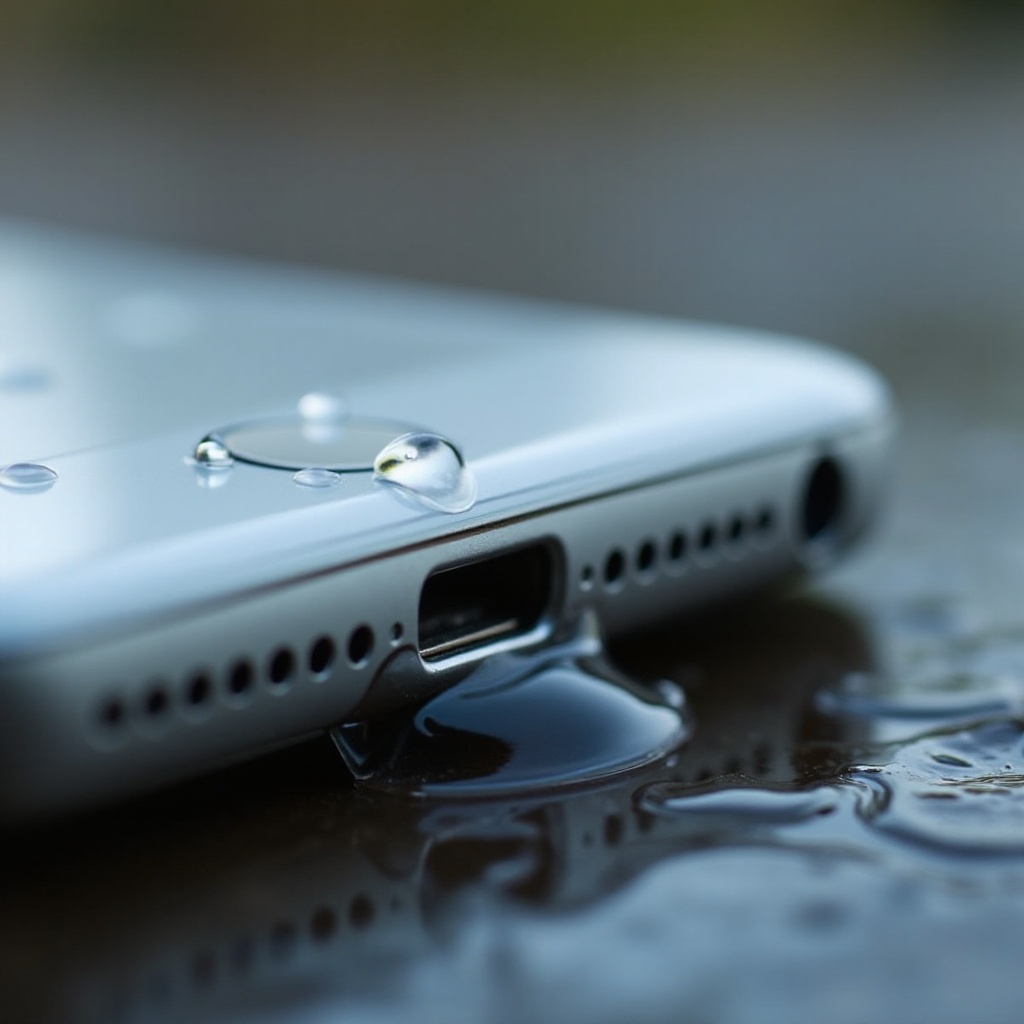
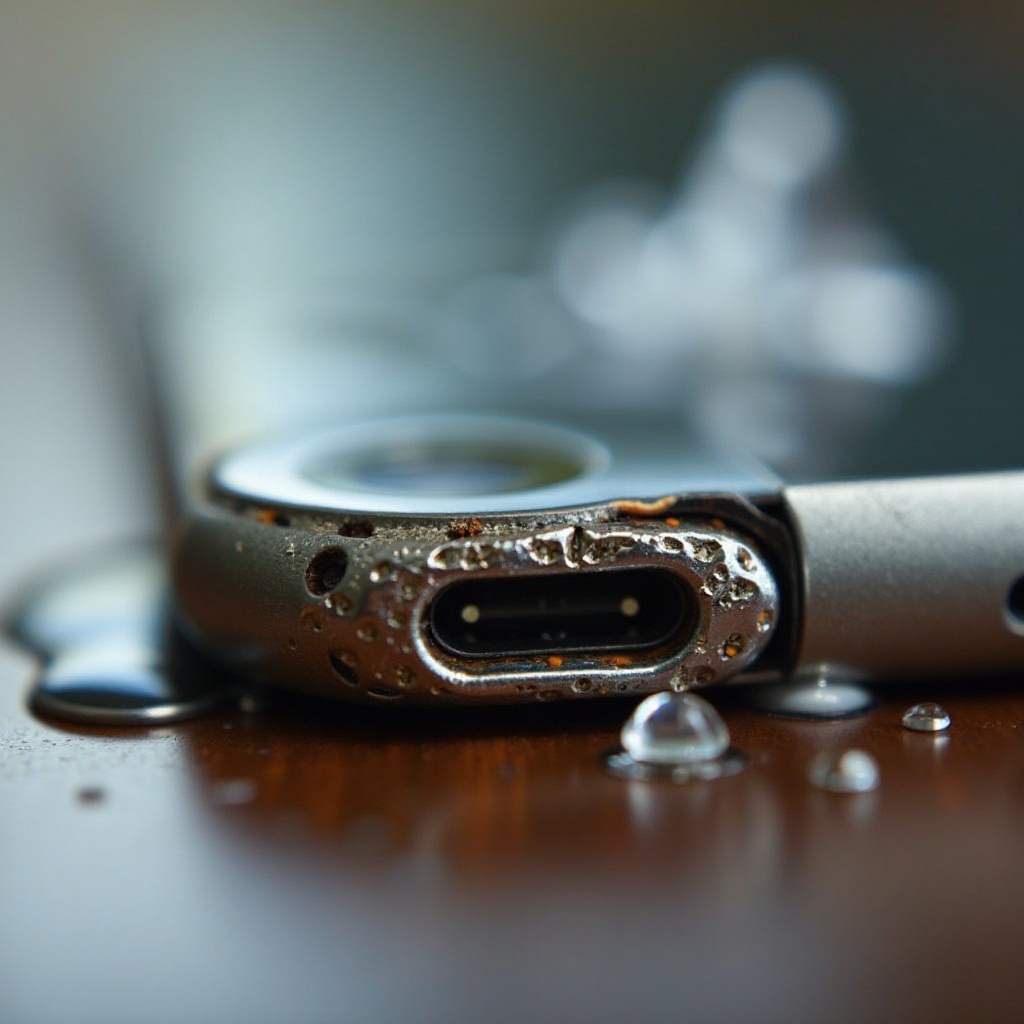
Recognizing the signs of water damage quickly is critical to minimizing long-term effects. One of the primary indicators is erratic charging behavior or inability to charge at all. Additionally, examine the port for visible signs of residue or corrosion; these are clear indicators of mineral deposits left by water exposure. If your device displays a ‘Liquid Detected’ alert, it serves as a direct warning of moisture inside the port. Early detection allows for more effective mitigation strategies, facilitating smoother transitions into repair and maintenance phases.
Immediate Steps to Take for Mitigating Damage
When faced with a wet iPhone, the speed of your response plays a crucial role in damage control. Start by: 1. Powering off your iPhone immediately to prevent any short circuits. 2. Removing all connected accessories such as cables or headphones. 3. Gently patting down the device with a dry, soft cloth, paying particular attention to the charging port area. 4. Using desiccants like rice or silica gel—secure your device in a bag with them for at least 24 hours to effectively absorb moisture.
Repairing and Maintaining Your iPhone Charging Port
Once the device is dry, attention shifts to repair and maintenance to ensure full recovery. For minimal damage, try: – Using isopropyl alcohol on a cotton swab to gently clean the port, which can effectively remove lingering moisture and corrosion. – Lightly brushing the charging port with a soft toothbrush to clear away debris. Should these efforts not resolve charging issues, seeking professional help is advised for comprehensive cleaning or component replacement. By ensuring thorough repairs and regular maintenance, you safeguard your iPhone against future mishaps, laying the groundwork for discussing preventative strategies.
Preventive Measures to Avoid Future Water Damage
Effective preventative strategies extend beyond repairs and involve a few practical steps: – Investing in a high-quality waterproof case to protect against accidental exposure. – Avoiding charging your device near sources of water, such as sinks or pools. – Conducting routine inspections of the charging port for early detection of wear or potential damage. These proactive measures significantly reduce the risk of future incidents and protect your investment.
Conclusion
Effectively managing water damage in the iPhone’s charging port requires swift action and comprehensive care strategies. By identifying early signs of damage, employing immediate corrective actions, and adhering to proactive maintenance and precautionary measures, you can maintain your device’s functionality. These practices not only address current issues but also help prevent future challenges, ensuring your device remains in optimal condition for years.
Frequently Asked Questions
How can I tell if my iPhone’s charging port is water-damaged?
Signs include erratic charging, visible corrosion, or a ‘Liquid Detected’ alert.
What should I do immediately after my iPhone gets wet?
Turn off the device, remove accessories, dry it with a soft cloth, and use a desiccant to absorb moisture.
Is it necessary to replace the charging port after water exposure?
Not always. Try cleaning it first, but consult a professional if issues persist.