
Introduction
The Bose Micro SoundLink is an outstanding portable speaker known for its compact size and superior sound quality. However, users sometimes encounter issues with the device not charging, which can be incredibly frustrating when you’re eager to listen to your favorite music. This guide will help you identify and solve the charging problems with your Bose Micro SoundLink, ensuring your speaker remains a trusty audio companion.
Identifying the Charging Problem
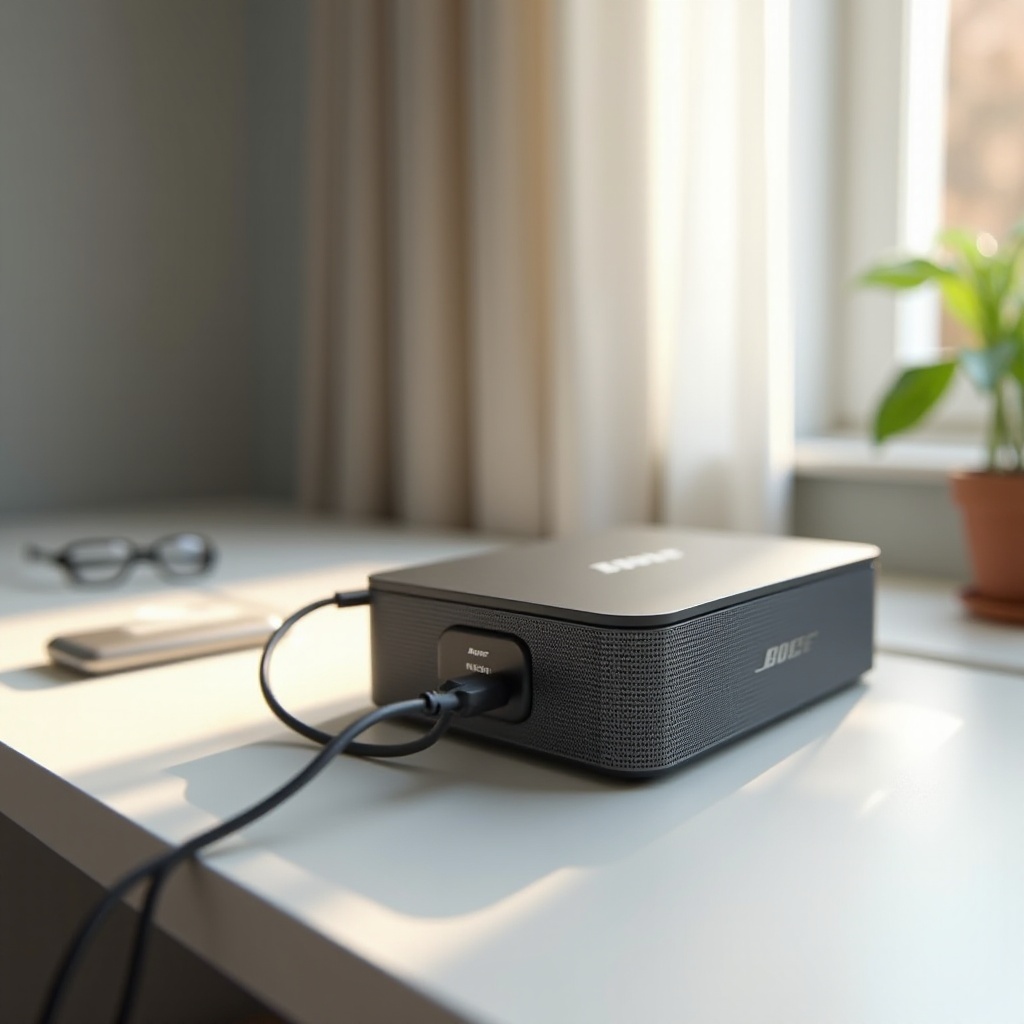
First, you need to understand the nature of the charging problem to determine the right course of action. Different symptoms and causes can contribute to charging issues:
-
Symptoms of Charging Failure: You might notice that the speaker does not power on, the charging indicator light does not illuminate when plugged in, or the battery rapidly drains even after a full charge.
-
Possible Causes of Charging Issues: Potential reasons include a faulty cable, a compromised charging port, or an internal battery defect. Pinpointing the root cause is essential for effective troubleshooting.
Knowing these symptoms and causes will enable you to proceed with basic troubleshooting steps that often resolve the issue.
Basic Troubleshooting Steps
Begin by executing some elementary checks that have proven effective in numerous cases:
-
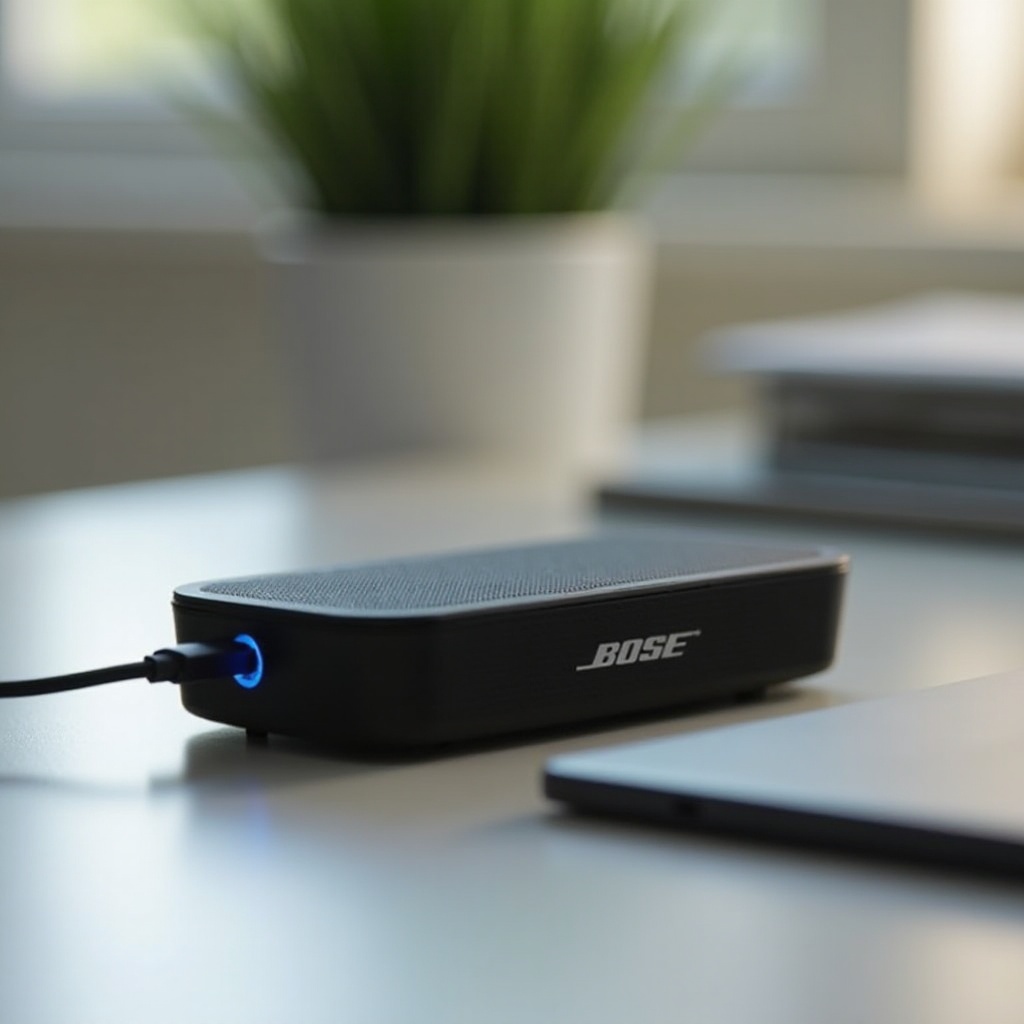
Inspecting the Charging Cable and Adapter: Verify the connection points between the charging cable, the adapter, and the speaker. Swap in a different USB cable and test its functionality. Confirm the power outlet or USB port is operational, as damaged or incompatible cables are frequent culprits of charging failures.
-
Checking the Charging Port for Debris: Examine the charging port with ample lighting for any debris or dust accumulation that may obstruct the charging connection. Use a dry, soft brush or compressed air to clean it carefully, taking precaution to avoid pushing debris further inside.
If these basic steps do not rectify the problem, it may be necessary to explore some advanced solutions.
Advanced Solutions
Should basic troubleshooting fall short, consider implementing advanced technical fixes:
-
Performing a Device Reset: A reset may clear software bugs causing charging glitches. To reset your Bose Micro SoundLink, press and hold the power button for 10 seconds until the speaker turns off or you hear a prompt. Power it back on and attempt charging again.
-
Updating Firmware for Optimal Performance: Firmware updates can address charging issues caused by outdated software. Connect your speaker to a computer and download the most recent firmware from the Bose website, following the instructions provided to ensure optimal performance.
If the issue persists after applying advanced solutions, it may indicate a hardware problem, requiring professional intervention.
When to Contact Support
If charging issues persist, it might be time to seek professional assistance:
-
Identifying Hardware Malfunctions: Having exhausted all previous steps without resolution, consider the possibility of internal component failures such as the battery or circuit board.
-
Utilizing Bose Customer Support: Bose’s customer care service can provide further guidance or facilitate repairs. Contact them through their official website, email, or phone to address potentially complex hardware issues.
After overcoming these hurdles, it is prudent to adopt preventative measures that can deter future charging problems.
Preventative Measures
Engage in routine maintenance to extend your device’s lifespan and minimize charging issues:
-
Proper Charging Practices: Use the official Bose charger or a reputable compatible charger. Avoid overcharging by unplugging the device once the battery is fully charged to preserve battery integrity.
-
Maintaining the Battery for Longevity: Store the speaker in environments with moderate temperatures when not in use, as extreme temperatures can jeopardize battery health. Periodically discharge the battery before recharging it completely to balance its power gauge.
By adhering to these preventative guidelines, you enhance the durability and reliability of your speaker.
Conclusion
The road to resolving Bose Micro SoundLink charging challenges is often straightforward with the right strategy. From basic cleaning and resetting to seeking customer support for intricate issues, being proactive ensures your speaker stays in reliable working condition. Implementing good maintenance practices further enhances its lifespan.
Frequently Asked Questions
What should I do if my Bose speaker still won’t charge after trying all these steps?
If the issue persists, contact Bose customer support for technical assistance or repairs.
Can using an unofficial charger damage my Bose Micro SoundLink?
Yes, using a charger with incorrect voltage can harm the battery or charging circuit. Always use the official or a suitable charger.
How often should I update my speaker’s firmware?
Check for firmware updates every few months or when you encounter issues. Regular updates ensure efficient operation and minimal problems.